Hubstaff: What It Is, What It Isn't, and What You're Going to Do About It
TL;DR: Hubstaff is a time-tracking tool used by AI gig platforms to combat fraud — it monitors active time and mouse/keyboard activity, not your webcam. If you forget to start it, you will not get paid and support will not help. Set a reminder, learn its quirks before your first paid project, and always verify your tracked hours match your actual work. The system exists because fraud is rampant and costs honest workers money.
Let's talk about Hubstaff.
It comes up constantly in the forums. Someone forgot to start it. Someone had a conflict with an old account. Someone worked two hours and the timer didn't sync. The complaints are real. The frustration is real. But a lot of the frustration is pointed in the wrong direction, and that costs people money and opportunities in ways they don't always see coming.
So let's clear the air. And if you want the current state of the trap — the screenshot-disputes story on Outlier and Alignerr in 2026 — I wrote that one too. This one is the why. That one is the what-just-happened-to-me.
Why Hubstaff Exists in the First Place
Here is a number that should recalibrate your thinking: at any given moment, there are thousands of people actively attempting to defraud AI training platforms. Not being careless. Not misunderstanding the rules. Actively, deliberately trying to get paid for work they are not doing, submitting AI-generated content as human-made, running multiple accounts, sharing credentials across households, and gaming every system that can be gamed.
When a platform loses money to that kind of fraud, it doesn't absorb it quietly. It tightens controls, cuts budgets, reduces task availability, and gets more aggressive about who stays on the platform. Every dollar that goes to someone working the system is a dollar that doesn't go to someone actually doing the job. That filters down. You feel it in your queue. You feel it in your pay rate. You feel it in projects disappearing.
Hubstaff is one of the tools these platforms use to push back against that. It tracks active time, monitors keyboard and mouse activity, and gives the client a verifiable record that a human being was actually present and working during the hours being billed. Is it a perfect system? No. Does it catch everyone gaming it? No. Does it create friction for legitimate workers? Sometimes. But wishing it didn't exist is wishing for a world where fraud goes unchecked, and that world is worse for everyone trying to make an honest living here.
What Hubstaff Actually Does
Hubstaff is a time-tracking and activity monitoring application. When you run it during a project session it records:
- The time your timer is active
- Keyboard and mouse activity levels (as a percentage of activity, not keystrokes logged)
- Periodic screenshots, depending on the project settings
- Application and URL tracking, again depending on the project
What it is not is a video surveillance system. It does not record your webcam. It is not watching you through your screen. A significant number of remote work positions — including jobs you might hold right now that have nothing to do with AI platforms — use full-screen video recording that runs the entire shift. Compared to that, Hubstaff is relatively light touch. It is one of the less intrusive monitoring tools in the remote work space. That doesn't mean everyone loves it, but some perspective helps.
The Complaints — Addressed Directly
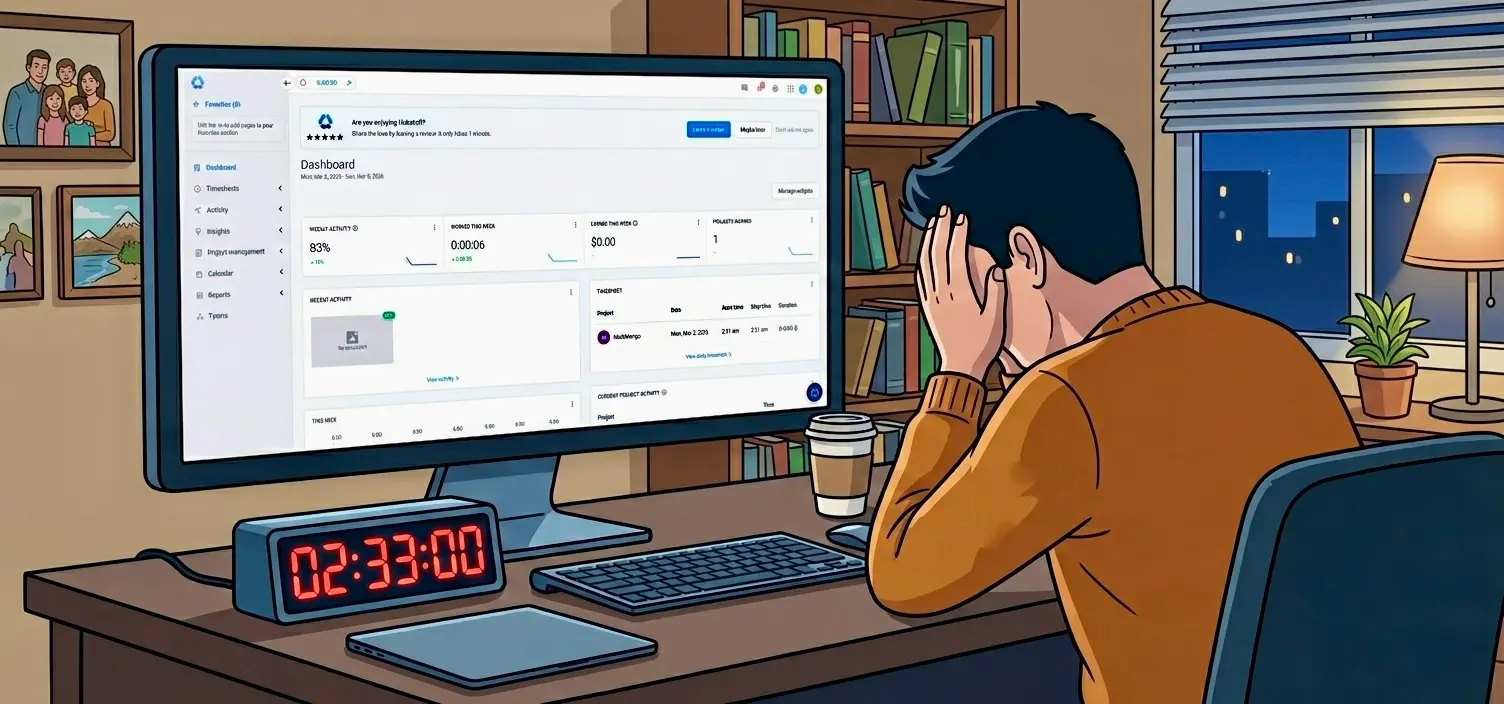
"I forgot to start Hubstaff and lost two hours of pay."
This one comes up more than anything else. A few people in the community have shared this exact situation recently, and the response they got from support was essentially nothing.
That tracks. Here is the reality: contact support anyway. Always. There may be other trackable indicators of your activity — task submissions, login records, Labelbox interactions — and it is worth asking once, politely, if any of that can be used to verify your work. If they can do something with it, great. If they can't, you are going to need to call it a learning experience and move on.
It is unfortunate. It genuinely is. But here is the thing you have to hold onto: this is not your employer. There is no HR department. No one on that platform is going to go to bat for you in an internal meeting. The support team's job is to help you access and complete work — not to investigate whether you probably were working even though you didn't track it. Forgetting to start Hubstaff is not something they will be showing a lot of empathy for, and honestly, they shouldn't have to. That is not a criticism of them. It is just the nature of contractor work.
Set a reminder. Put a sticky note on your monitor. If you want to get technical about it, you can write a script — or ask an AI to write one for you — that opens Hubstaff automatically when your browser navigates to your platform's dashboard. That kind of thing takes about five minutes and solves the problem forever. The only person who wants to make sure you get paid is you. Act like it.
"I already have a Hubstaff account from another job."
This is a technical issue, and technical issues are exactly what support is there to help with. The concern about using an existing account is legitimate — some platforms require a fresh account to keep billing and monitoring clean. When that's the case, support will walk you through it. Go through the proper channels, be patient, and it will get resolved.
There is a clear line between a system failing you and you failing the system. A technical barrier to onboarding is a system issue. That's their problem to fix, and they will fix it.
"I worked two hours and it didn't show up on my dashboard."
Same category. That is a technical issue. Document what you can — screenshots of the Hubstaff timer running, timestamps, any task activity in Labelbox or wherever you were working — and contact support. Be specific, be calm, and give them something to work with. These things do get resolved.
The version of this that does not get resolved easily is when you come into a support conversation with heat. Before you contact anyone on one of these platforms, check your tone. The person on the other end of that chat has a job to do. They may not be able to help you. But they can remember the interaction. They can note the attitude. And while they may not be able to get your money back, they are often in a position to affect whether future opportunities come your way. That is not a threat — it is just how contractor relationships work. Workers who develop a reputation for being difficult are often quietly deprioritized — and in extreme cases, removed entirely. Here's what account removal actually looks like and what to do next. Be professional. Always.
The Broader Point
A lot of workers in this space spend energy being frustrated at systems they did not design and cannot change. That is understandable. Some of this genuinely is not fair. You are doing real work, operating in good faith, and sometimes the tools meant to protect the integrity of the platform create problems for the people who least deserve them.
But this is the landscape. It has been this landscape, and it is going to keep being this landscape for the foreseeable future. The platforms are not going to remove monitoring tools while fraud is still a problem, and fraud is going to be a problem for as long as there is money to be made here. Wishing it were different is time that could be spent on anything more productive.
The workers who do well in this environment are the ones who stop treating these frustrations as injustices to be resolved and start treating them as conditions to be managed. You figure out the system, you protect yourself within it, and you stay focused on the work.
Get a free Hubstaff account. Learn its quirks before you need it for a paid project. Know exactly what it tracks. Set up a reminder system that works for you — phone alarm, browser extension, a literal sticky note on your screen. Make starting your timer as automatic as making coffee.
The gig is real. The money is real. The only thing standing between you and it is whether you show up ready to handle the environment as it actually is.
For a live look at which platforms are active and hiring right now, check the Breaking Even Heatmap. And if your queue just went quiet, here's what's actually happening: Outlier AI Empty Queue: Why Tasks Disappear and What To Do Next. For a full breakdown of which platforms are worth your time: AI Training Jobs in 2026: The Tier List.
Read Next
From the community
Join the conversation — no email needed →What workers are talking about
Comments
Leave a comment
Joshua Drake has worked on AI training platforms for over four years, tracking earnings, sentiment data, and platform stability across Outlier, DataAnnotation, Alignerr, and others. He has a degree in data analytics and runs this site, breakingeven.online and the sentiment analysis used to derive a sense of what is happening in a world often hiding in the shadows.