
Is DataAnnotation Legit? Everything You Need to Know in 2026
TL;DR: DataAnnotation is 100% legitimate. It pays $20–$25/hr for generalist work and $40–$45/hr for coding tasks via weekly PayPal payouts. There is no rejection email — silence after 2–3 weeks on the starter assessment means you were not accepted. The work is real but the queue goes empty without warning, and support will not explain why. Set aside 25–30% for taxes — you are a 1099 contractor.
If you're reading this, you've probably seen the ads. You know the ones: "Train AI from home. $20–$40/hr. No experience needed."
In 2026, where the average remote job listing is either a scam or pays in "exposure," DataAnnotation (often called DA) feels like a glitch in the matrix. It promises the holy grail of the gig economy: high hourly pay, total flexibility, and no boss breathing down your neck.
But as a data analyst, I don't trust "vibes." I trust patterns.
After parsing through thousands of user reports, subreddit threads, and the opaque black box of their hiring process, here's the conclusion: DataAnnotation is 100% legit. It pays real money. But it's also a ruthless, silent machine that will ghost you without a second thought.
Here's everything you need to know before you invest your time.
The "Legitimacy" Question: A Data Point Analysis
Let's get the big question out of the way. Is this a scam?
No. A scam asks you for money (for "equipment" or "training"). DataAnnotation pays you.
I've tracked payment verifications across multiple forums. When you do the work, the money hits your PayPal. There are no "points," no "gift cards," just cash.
- Generalist Work (Core): Typically $20–$25/hr.
- Coding Work: $40–$45/hr (with specialized projects hitting $50+).
Is DataAnnotation Still Paying $40/hr Like Outlier Claims?
Yes — but the framing of that question matters. Both DataAnnotation and Outlier advertise rates in the $20–$40/hr range, and both are technically telling the truth. The $40/hr rate exists at both platforms. It is not a bait-and-switch. The catch — at DataAnnotation and at Outlier — is that it requires demonstrated coding ability to unlock. If you apply as a generalist, you'll land in the $20–$25/hr tier at DataAnnotation and roughly the same at Outlier. Neither platform is lying. They're quoting the ceiling to attract applicants, not the floor that most workers actually see.
As of April 2026, our sentiment tracking across thousands of worker posts confirms this pattern holds. Coding and STEM specialists consistently report $35–$45/hr. General annotators and evaluators report $17–$25/hr. The gap is real and it's the same at both platforms. For the full breakdown of what every AI training platform actually pays — by task type and skill tier — we tracked it across the whole market.
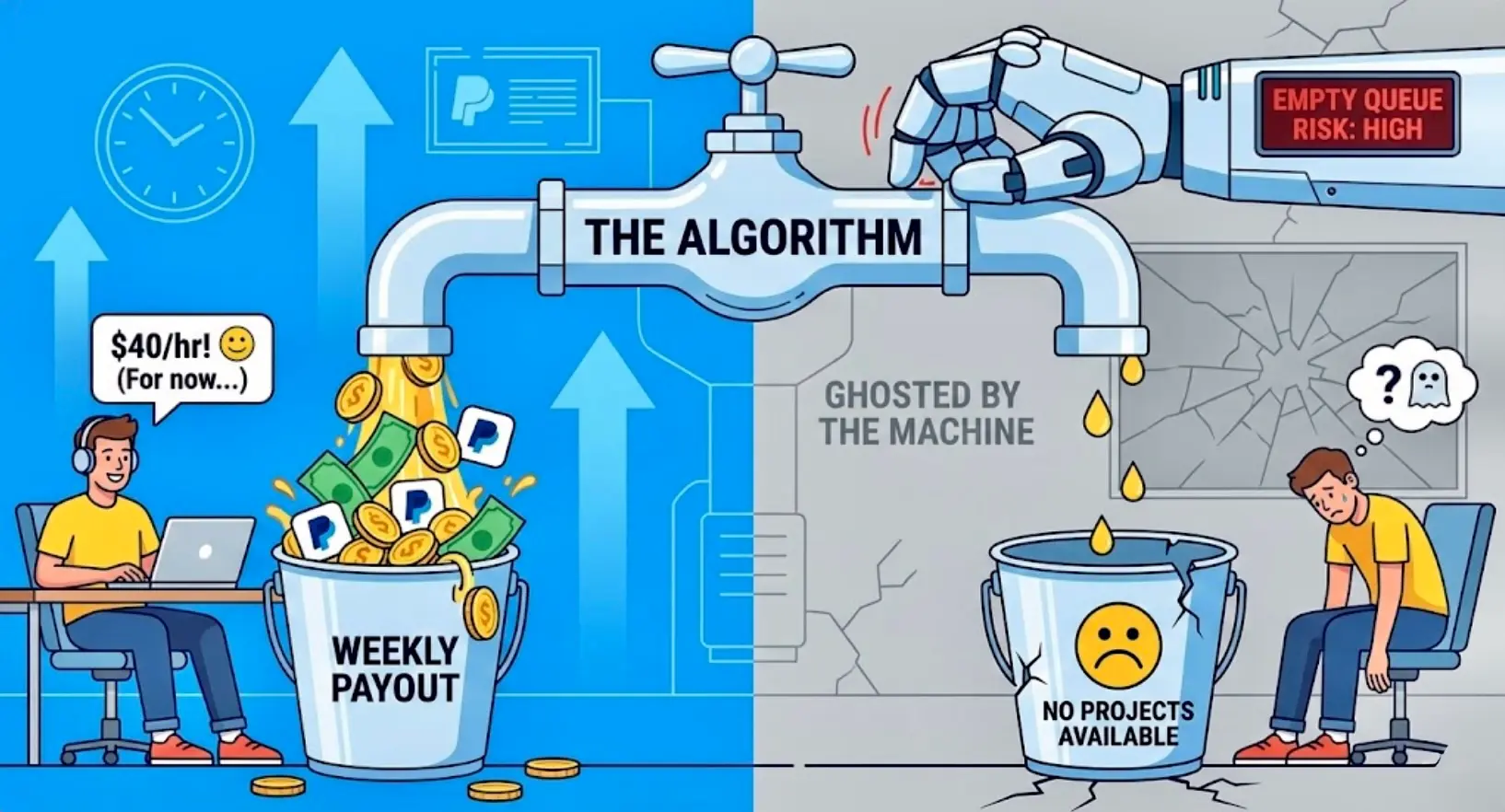
However, "legit" doesn't mean "stable." As one user on r/DataAnnotationTech perfectly summarized the anxiety of working for an algorithm:
"I've made $3,000 this month, and I am terrified every single time I refresh the page. The work is there until it isn't. You don't get fired; you just get an empty screen." — u/GhostInTheMachine_26
This is the trade-off. You're trading job security for immediate, high-yield cash flow. If you want to understand this pattern at a deeper level, our full analysis of the AI gig economy cycle breaks down exactly why platforms are designed this way.
How Does DataAnnotation Pay?
This is one of the most Googled questions about DA, and the answer is surprisingly straightforward:
- Method: PayPal only. No direct deposit, no checks, no crypto.
- Schedule: Weekly payouts, processed every Monday for the previous week's work.
- Minimum Threshold: There's no minimum — if you earned $12 last week, you get $12.
- Currency: USD, regardless of where you're located.
The PayPal-only setup is a dealbreaker for some people, but it does mean your money moves fast. Most workers report seeing funds within 24–48 hours of the Monday processing date.
One thing to watch: PayPal takes a cut if you're converting currencies or transferring to a bank account in certain countries. Factor that into your effective hourly rate. And don't forget: every dollar is taxable — the IRS is now using AI to track gig economy income, so set aside 25–30% from day one.
What Does the Work Actually Look Like?
If you've never done data annotation before, here's what a typical task looks like:
You'll see two AI-generated responses to a prompt — say, "Explain how photosynthesis works to a 10-year-old." Your job is to:
- Rate which response is better based on accuracy, helpfulness, and tone.
- Explain why in a written justification (usually 2–4 sentences).
- Fact-check both responses for errors or hallucinations.
That's the core loop. For coding tasks, you might debug a Python script, evaluate whether an AI-generated function works correctly, or write a better solution from scratch.
Each task takes anywhere from 5 to 45 minutes depending on complexity. The platform tracks your time, and if you're consistently finishing way faster or slower than expected, it flags you.
The Interview Process: The "Silence Means No" Protocol
Unlike a normal job where you interview with a human, DA screens you via a brutal, multi-stage assessment. If you fail, you'll likely never hear from them again. There's no rejection email. Just... silence.
Here's the 2026 roadmap for getting in.
Step 1: The Starter Assessment (The Gatekeeper)
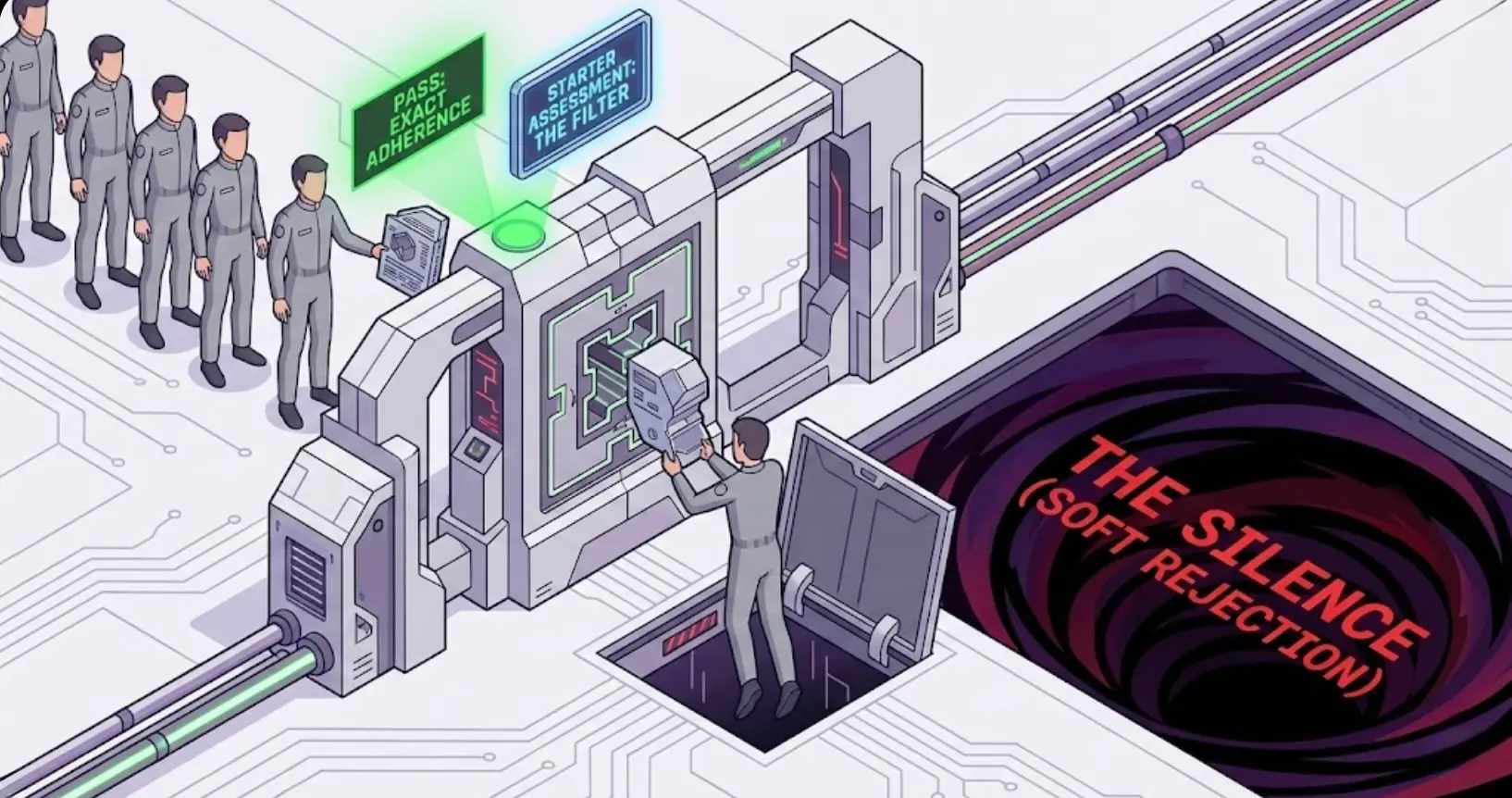
Time: ~45–60 minutes
Pay: $0 (Unpaid)
This is the filter. You'll be given a mix of creative writing prompts and logic puzzles. They're testing for three things:
- Instruction Adherence: If they ask for 2–3 sentences and you write 4, you fail. It doesn't matter how good the writing is. You failed the logic check.
- Fact-Checking: You'll likely be asked to verify a claim. Do not guess. If the bot says "The capital of Australia is Sydney," and you rate it as "Truthful," you're out. (It's Canberra.)
- English Fluency: The grammar standards are incredibly high.
Step 2: The Core or Coding Qualification
If you pass the starter, you might immediately see a second assessment.
- The Core Test: This is a marathon. Expect 10–15 tasks involving rating AI responses. It can take 2–4 hours.
- The Coding Test: You'll be given coding problems (usually Python) and asked to fix a broken script or write a new one.
Analyst Tip: DO NOT rush this. The timer isn't your enemy; accuracy is. The system flags "speed runners" as low-quality data.
Step 3: The "Forever" Wait
This is where the Reddit comments get tragic.
"I took the test three weeks ago. My dashboard still says 'Check back soon.' Am I doomed?"
The uncomfortable truth? Probably.
If you're accepted, the email usually comes within 3 days to 2 weeks. If your dashboard sits on "Check back soon" for a month, you're likely in the "soft rejection" pile. They keep you there just in case they run out of other workers, but don't hold your breath.
The Reality of the Job: "The Empty Queue" (EQ)
Let's say you get in. You passed the test, you got the "Welcome" email, and you see a dashboard full of projects. You work for three weeks, making $1,200 a week. You feel rich.
Then, you log in on a Tuesday, and you see the dreaded message:
"At the moment, there are no projects available to work on..."
This is the Empty Queue (EQ).
On Reddit, the EQ is treated like a superstitious event.
- "Is it because I rated that last task wrong?"
- "Is the site down?"
- "Did I get fired?"
The platform gives zero feedback. You're a data point. If your quality score drops below a hidden threshold, the algorithm simply stops showing you work. We've written an entire breakdown of why the AI gig queue goes empty and what to do about it — it's worth reading before your first drought hits.
"I worked there for six months, made good money, and then one day — nothing. I emailed support three times. Never got a reply. It's been four months of silence." — u/AlgorithmVictim
How to Stay in the Queue
Nobody knows the exact algorithm, but patterns emerge from thousands of worker reports:
- Quality over speed. Every single time. Workers who rush through tasks get flagged and quietly removed. Take your time on justifications.
- Be consistent. Log in and work regularly. Workers who disappear for two weeks and come back often find fewer projects available.
- Read instructions obsessively. Projects change their guidelines constantly. If a project updates its rubric and you keep rating the old way, your quality score tanks.
- Don't cherry-pick too aggressively. Skipping every task until you find an "easy" one may signal low engagement. Take a mix.
- Check at off-peak hours. Mornings (EST) and late evenings tend to have less competition for available tasks.
There are no guarantees. You can do everything right and still get an empty queue. That's the nature of the beast.
The Tax Reality: You're a 1099 Contractor
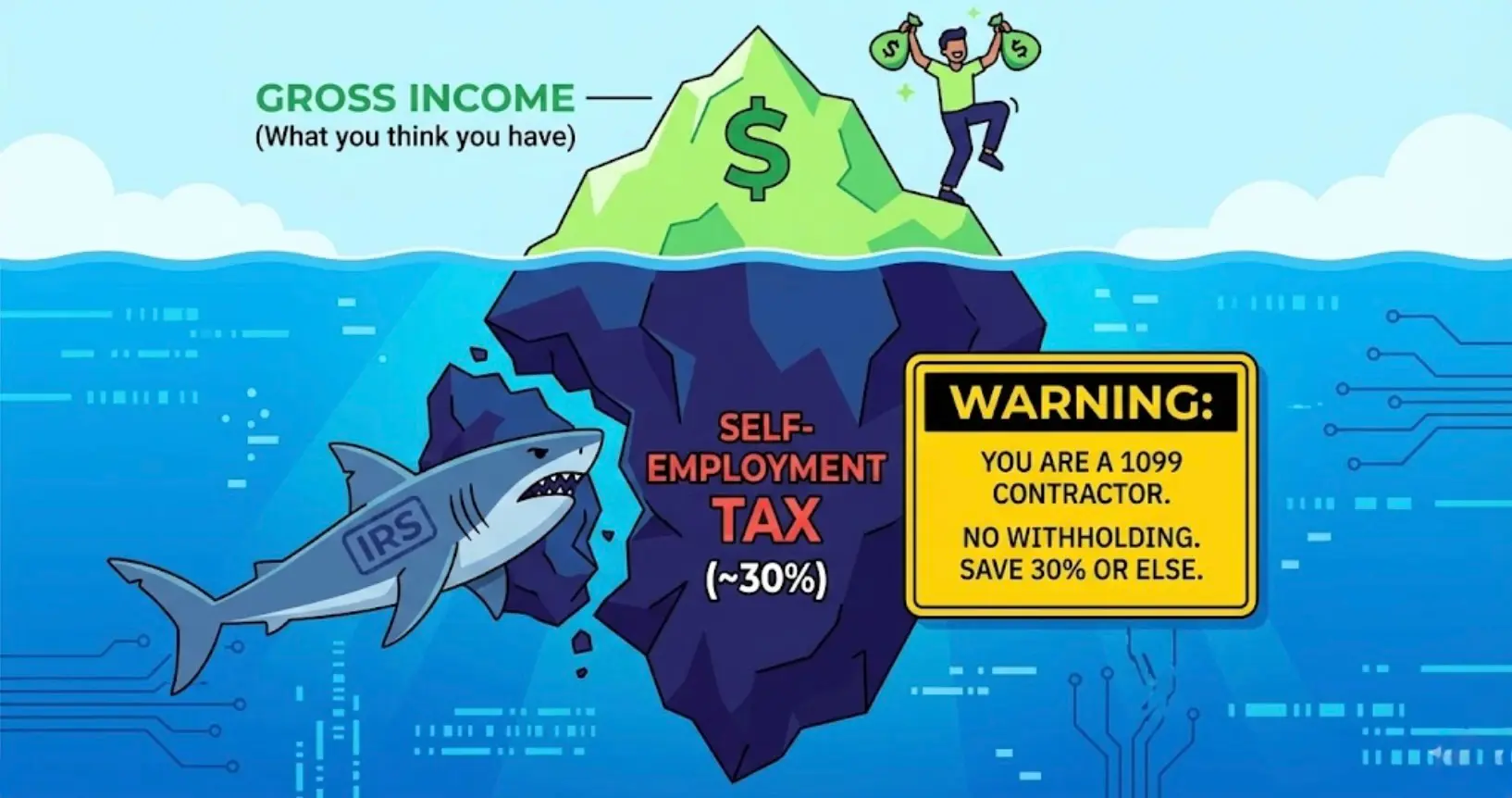
This catches a lot of first-timers off guard. DataAnnotation doesn't withhold taxes. You're not an employee — you're an independent contractor.
What that means in practice:
- You owe self-employment tax (~15.3%) on top of your regular income tax.
- Set aside 25–30% of every payment for taxes. Don't spend it all.
- Track your expenses. Your home office, internet, and even a portion of your computer can be deducted.
- You'll get a 1099-NEC at the end of the year (if you earned $600+), but you're on the hook for taxes even if you don't receive one.
If you made $15,000 on DA last year and didn't set anything aside, you're looking at a $4,000+ tax bill in April. Don't be that person. For the full picture on what the IRS can now see about your gig earnings, read You Trained the AI That's Coming for Your Taxes.
Comparison: DataAnnotation vs. The Others
For the full platform breakdown across every major AI training site, see the AI Training Jobs 2026 Tier List.
- DataAnnotation: $20–$40+/hr, stable platform, PayPal payouts, zero communication from support
- Outlier (Scale AI): $15–$50+/hr, buggy platform, chaotic Slack/Discourse channels, direct deposit or PayPal
- Alignerr: $25–$125/hr for credentialed specialists, newer platform, minimal communication, pays via Stripe/PayPal
- Telus AI: Emerging competitor gaining traction in early 2026, comparable pay range to DataAnnotation, worth monitoring
DataAnnotation wins on platform stability and pay consistency. Outlier has higher ceilings on some projects but the platform experience is rough — for a real head-to-head, see Outlier AI vs DataAnnotation: What 2,200 Workers Actually Said. The smart play? Sign up for all of them. When one queue dries up, another might be flowing.
Final Verdict: Is It Worth It?
If you treat DataAnnotation as a job, you'll be anxious and eventually disappointed.
If you treat it as a paid hobby or a lucky bonus, it's fantastic.
My Advice:
- Take the test seriously. Set aside 3 hours. Quiet room. No distractions.
- Read the instructions twice. The test isn't about being smart; it's about being obedient to the guidelines.
- Don't quit your day job. Use DA to pay off debt or fund a vacation. Never rely on it for rent.
- Set aside money for taxes. You're a 1099 contractor. The IRS doesn't care that you "didn't know."
The robots are paying well right now, but they have no loyalty. Take the money while you can, but keep your resume polished.
New to the AI gig economy? Start with the AI Training Jobs 2026 Platform Tier List to understand where DA fits in the landscape. And if your queue just went quiet, read Why Tasks Disappear — and How to Survive the Drought.
Everything we track on DataAnnotation: pay, reviews, and how to apply
Read Next
From the community
Join the conversation — no email needed →What workers are talking about
Comments
Leave a comment
Joshua Drake has worked on AI training platforms for over four years, tracking earnings, sentiment data, and platform stability across Outlier, DataAnnotation, Alignerr, and others. He has a degree in data analytics and runs this site, breakingeven.online and the sentiment analysis used to derive a sense of what is happening in a world often hiding in the shadows.